
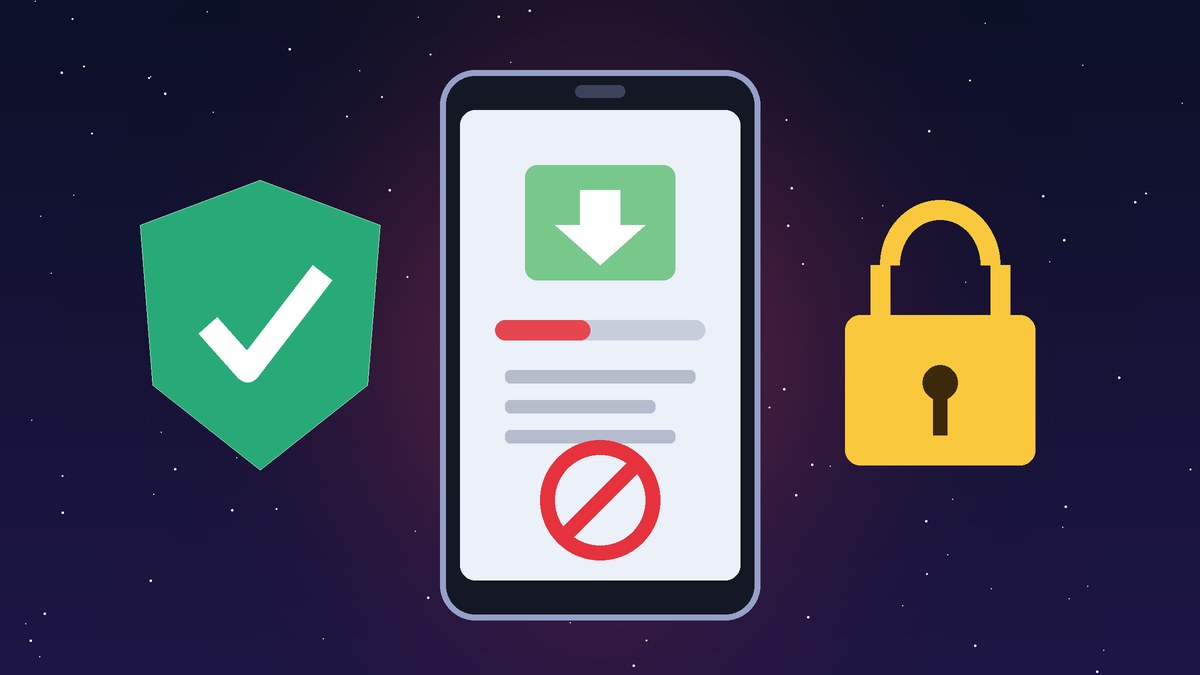
If you have searched for “goplay11 apk blocked”, you have probably seen a warning from Google Play Protect, or an install that simply would not finish on an Android phone. This explainer from GoPlays11 sets out the two Android safety systems that most often stop sideloaded apps like a GoPlay11 APK, what each one checks, and what the warning actually means. We do not link to any APK, and we do not tell you how to get around these protections.
GoPlay11 APK blocked: why Android stops sideloaded apps
An APK is an Android app file installed from outside an app store, usually from a website, a chat link or a file manager. This is called sideloading. Two newer systems go further than the usual sideloading warnings. One already applies in India, and the other is rolling out country by country.
1. Play Protect enhanced fraud protection (India)
In October 2024, Google announced an enhanced fraud protection pilot in India for Google Play Protect. It looks at apps installed from “Internet-sideloading sources, such as web browsers, messaging apps and file managers”. If one of these apps asks for any of four sensitive permissions, Play Protect blocks the install automatically and explains why. The four permissions are RECEIVE_SMS, READ_SMS, notification access (BIND_Notifications) and Accessibility.
Google says these are the permissions fraudsters most often abuse to read one-time passwords (OTPs) from SMS or notifications and to spy on what is on the screen. It also says that for the major fraud malware families it studied, more than 95 percent of installations came from Internet-sideloading sources. The pilot was due to roll out gradually to all Android devices with Google Play services in India (TechCrunch coverage).
So if an APK that claims to be GoPlay11 asks to read your SMS or use Accessibility, Play Protect may block it on an Indian phone. That is the protection working as designed: a cricket or fantasy app has no obvious need to read your OTPs.
2. Android developer verification (rolling out from 2026)
The second system is Android developer verification. It requires apps installed on certified Android devices to be registered by a verified developer. Google’s Android Developers Blog and developer guides say developers register an app by proving they hold its signing key.
The protections took effect on 30 September 2026 for users in Brazil, Indonesia, Singapore and Thailand. In this first phase, Google is verifying installs from seven stores: Google Play, Galaxy Store, HONOR App Market, OPPO App Market, Palm Store, vivo V-Appstore and Xiaomi GetApps. Google says it will “expand these protections globally for all apps on certified Android devices in 2027” (Android Authority and The Verge also covered the rollout). India is not in the first wave, so in November 2026 a blocked GoPlay11 APK on an Indian phone is far more likely to be the Play Protect fraud check described above.
Google has also announced an “advanced flow” that still lets experienced users install apps from unverified developers. Google says this flow includes security checkpoints designed to resist coercion scams, where a fraudster talks a victim through installing an app. We are not giving step-by-step instructions.
What a “blocked” warning tells you
- Sensitive permissions: the file asked for SMS, notification or Accessibility access, which is a red flag for any game app.
- Unknown or unverified developer: Android cannot link the file to a registered developer.
- Harmful app detected: Play Protect’s scan matched the file against known malware.
None of these warnings proves that a particular file is malware. Each one means the file failed a safety check. Our GoPlay11 APK explainer covers versions, permissions and the risks of installing apps from outside Play Store.
How to check an app’s source without sideloading
- Search for the app inside Google Play or your phone maker’s own app store. If it isn’t listed, be cautious.
- Check the developer name and the data-safety section.
- Check the permissions an app requests against what it actually needs to do.
- If you have already entered bank details or OTPs into a suspicious app, contact your bank and report it on the national cybercrime helpline 1930 or at cybercrime.gov.in.
The legal side in India
The Promotion and Regulation of Online Gaming Act, 2025 (MeitY text of the Act) and the Promotion and Regulation of Online Gaming Rules, 2026 came into force on 1 May 2026, as reported by Akashvani News. The framework bans online money games, along with advertising them and processing payments for them. Read more in is GoPlay11 legal in India?
18+ only. Play responsibly. This is general information, not legal advice.
Why it matters
Android is moving away from “install anything with one tap” and towards apps tied to an accountable developer. For players in India, a blocked GoPlay11 APK is usually a sign to stop and check, not a problem to work around. For the full picture, see our GoPlay11 guide hub.
Frequently asked questions
Why does it say my GoPlay11 APK is blocked?
Most likely because Play Protect’s enhanced fraud protection found sensitive permissions such as SMS or Accessibility access, or because the file failed a malware or developer check.
Is the block applied to everyone in India?
Google said the pilot would roll out gradually to Android devices with Google Play services in India. Whether it is active on a particular phone can vary.
Does developer verification already apply in India?
Not yet. The first wave, which began on 30 September 2026, covers Brazil, Indonesia, Singapore and Thailand, and Google plans to expand it globally for all apps in 2027.
GoPlays11 is an independent news and information site. We are not the GoPlay11 app, we are not linked to its operators, and we do not host or distribute any APK files.